How can EDO Folder Structure Templates help increase your productivity?

We Have Made The Work Easy For You 🙂 Whether you’re a student, an engineer, or a graphic designer, we’ve prepared ready-to-use Folder Structure templates to help you categorize your files and folders hassle-free and in the fastest way possible. By Using EDO’s Exclusive Folder Structure Tool, You Are Only One Step Away from Getting […]
Discover how EDO can streamline your work and save your time every day

https://youtu.be/ssrEL4lygnQ How to use EDO Pack & Unpack to Easy Desktop Organizer MG Easy Desktop Organizer is a handy Windows application that helps you to keep your desktop clean and organized, download free images, and adjust them easily as your desktop background. Basic Edition Pro Edition Pro Plus Edition
How to have all you need at your fingertips in MG EDO?

https://youtu.be/tg7NFbwjkvI Use EDO Exclusive Tools and Features. We have provided everything you need to effortlessly categorize your data quickly. Easy Desktop Organizer MG Easy Desktop Organizer is a handy Windows application that helps you to keep your desktop clean and organized, download free images, and adjust them easily as your desktop background. Basic Edition Pro […]
How to Organize Your Files and Folders Using MG EDO
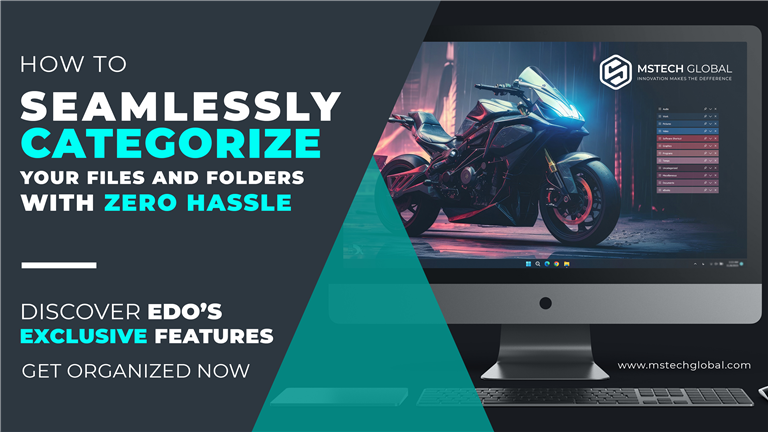
https://youtu.be/OfVN0N9HIP8 Use EDO Exclusive Tools and Features. We have provided everything you need to effortlessly categorize your data quickly. Easy Desktop Organizer MG Easy Desktop Organizer is a handy Windows application that helps you to keep your desktop clean and organized, download free images, and adjust them easily as your desktop background. Basic Edition Pro […]
How to Restore Your Right-Click Options in Windows 11 (Windows Context Menu)
With the introduction of Windows 11, the right-click menu in Windows underwent a complete redesign. Many of the previously visible options were reorganized, moving them one layer deeper into the menu. Now, to access these options, you can either click on “Show more options” or use the “Shift+F10” hotkey. It’s a well-known fact that the […]
MG Folder Icon Pro Changelog 2025
Changelog History: MG Folder Icon Pro MG Folder Icon Pro Version 7.5.4.130 August 2, 2025 Changing the Software Default Theme Fixing the Issue on the Mockup Window Opening Fixing the Copy Style in Mockup (reserving the Copied Style folder Details) Adding Restore Default Fonts in Mockup Window Resolving the Settings Save Issue for Mockup Settings […]