




Save Your Valuable Time
Perform even better than a professional computer user

Perform even better than a professional computer user
Surely it has happened to you many times over, that you need to find a file containing a particular text. You spend
even an hour searching in a bunch of files on your computer and finally, nothing!
It is not easy to search through file contents in Windows. The process is prolonged, and for a regular computer user, it’s difficult to configure windows for advanced searches.
So
What is the solution?
How can you find all files containing a particular text easily and fast?
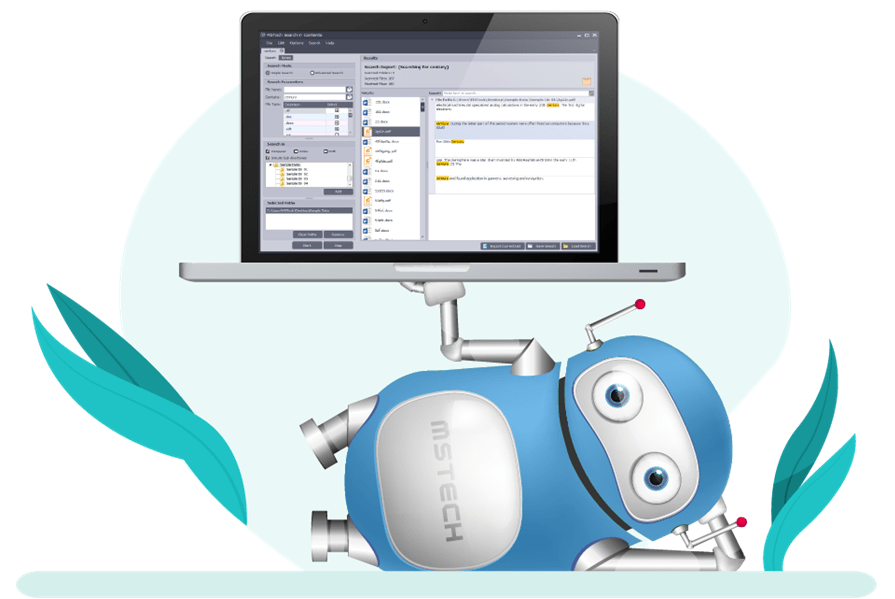
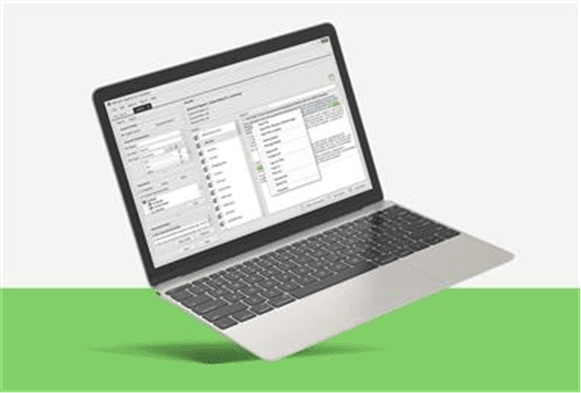
MG Search in Contents is an easy-to-use and handy software that helps you to find your desired files for a given text effortlessly.

MG Search in Contents helps you to find your desired file by searching in the contents of more than 50 different file types and counting
Easy search settings, quick access all over your computer, accurate and fast results
Speed up finding your desired documents using various types of options in the software
A file search utility that comes with
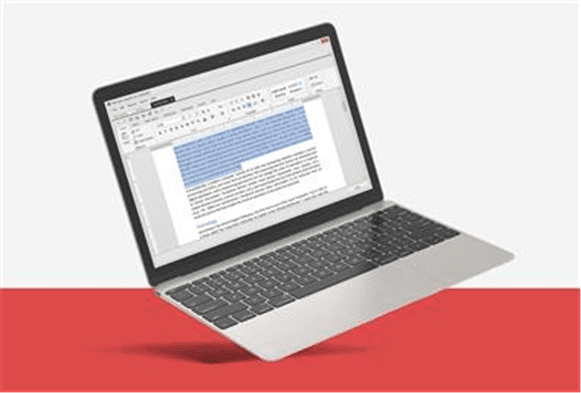
Open, edit, convert and print the found files listed in the search results through the software itself

It supports all text-based files
Including Microsoft office documents, Pdf, Plain text, Spreadsheet,
programing files and web files


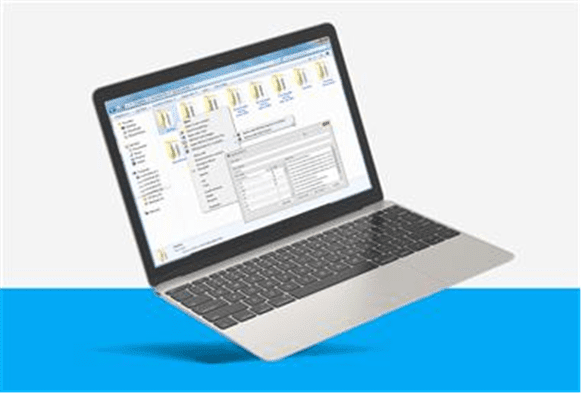
You can perform your search and get your
results listed in a few clicks. You just need
to right-click on any folder/folders, select
“Quick Search”, enter the search phrase
and press the button.

The software locates the result (found text)
in the document and you can get there by
double click on each item on the result list

Search in Contents helps you transfer the
file directly with the software or you can
use the “Open File Location” option from
the right-click menu
*** It is fast and accurate
It helps you to find your desired documents as quickly as possible by
using the most efficient search algorithms.
*** It is a multifunctional software
Save your time and money choosing multifunctional software.
• Advanced and easy to use search tools
• Embedded file viewer
• Useful and straightforward file management tools that help you to Edit,
Copy, Move and Delete your desired files directly through the software.
• Any document to PDF converter.

If you need more than one license, please select “More Options”. We have
some offers for you.

The selected item added to your cart successfully.
The selected item is in progress and will be added to our store soon.
✓ Search Name and Contents
✓ Search Sub-directories
✓ Embedded Viewer
✓ Search in Office 2003 – 2019
✓ Search in PDF & EPUB
✓ Search in Plain Text
✓ Search in Programming Docs
✓ Search in Web Documents
✓ Take Notes (Rich Text Format)
The selected item added to your cart successfully.
The selected item is in progress and will be added to our store soon.
✓ All Basic Features
✓ File Indexing System
✓ Quick Preview Mode
✓ Simple & Advanced Search Mode
✓ Access to Quick Search in Right-Click
✓ Integrate with Windows Right Click
✓ Jump to Result Location
✓ Save and Load Search Results
✓ and more …


MG Search in Contents helps you to find your desired documents as quickly as possible by using the most effective search algorithms.
| Cookie | Duration | Description |
|---|---|---|
| cookielawinfo-checkbox-analytics | 11 months | This cookie is set by GDPR Cookie Consent plugin. The cookie is used to store the user consent for the cookies in the category "Analytics". |
| cookielawinfo-checkbox-functional | 11 months | The cookie is set by GDPR cookie consent to record the user consent for the cookies in the category "Functional". |
| cookielawinfo-checkbox-necessary | 11 months | This cookie is set by GDPR Cookie Consent plugin. The cookies is used to store the user consent for the cookies in the category "Necessary". |
| cookielawinfo-checkbox-others | 11 months | This cookie is set by GDPR Cookie Consent plugin. The cookie is used to store the user consent for the cookies in the category "Other. |
| cookielawinfo-checkbox-performance | 11 months | This cookie is set by GDPR Cookie Consent plugin. The cookie is used to store the user consent for the cookies in the category "Performance". |
| viewed_cookie_policy | 11 months | The cookie is set by the GDPR Cookie Consent plugin and is used to store whether or not user has consented to the use of cookies. It does not store any personal data. |