
YOUR CART
- No products in the cart.
Subtotal:
0.00 $
BEST SELLING PRODUCTS
777.00 $

348.00 $
49.00 $

9.99 $

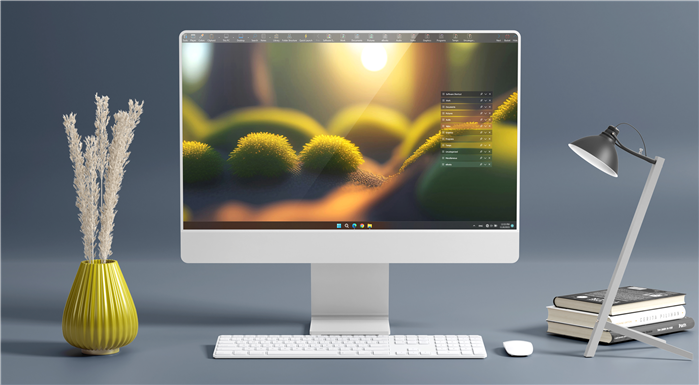
MG Easy Desktop Organizer is a tool designed to help you create quick access to files, folders, and apps while maintaining a clean desktop at the same time.
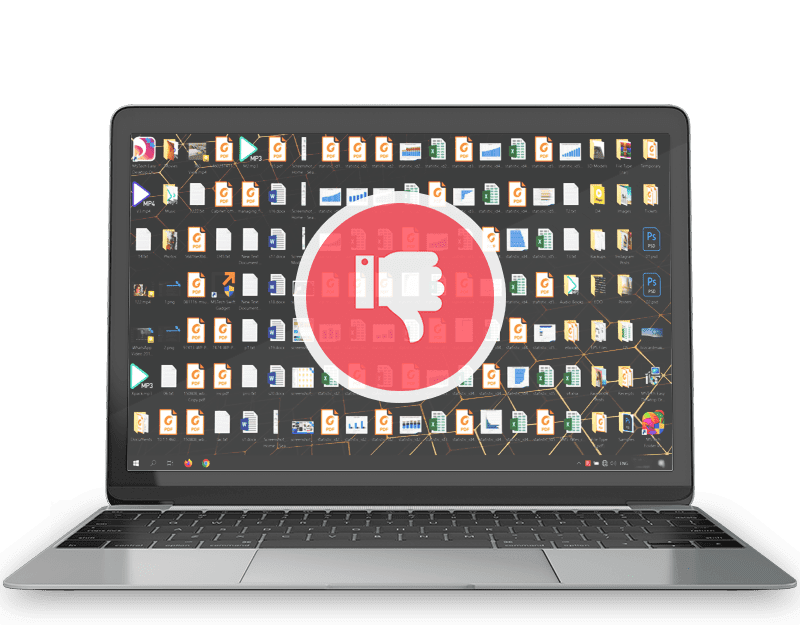
Many of us keep frequently used files, folders, and application shortcuts on our desktops for quicker access. However, over time, this can lead to a messy and confusing desktop.
This results in wasting a considerable amount of time as we struggle to find the files we need.
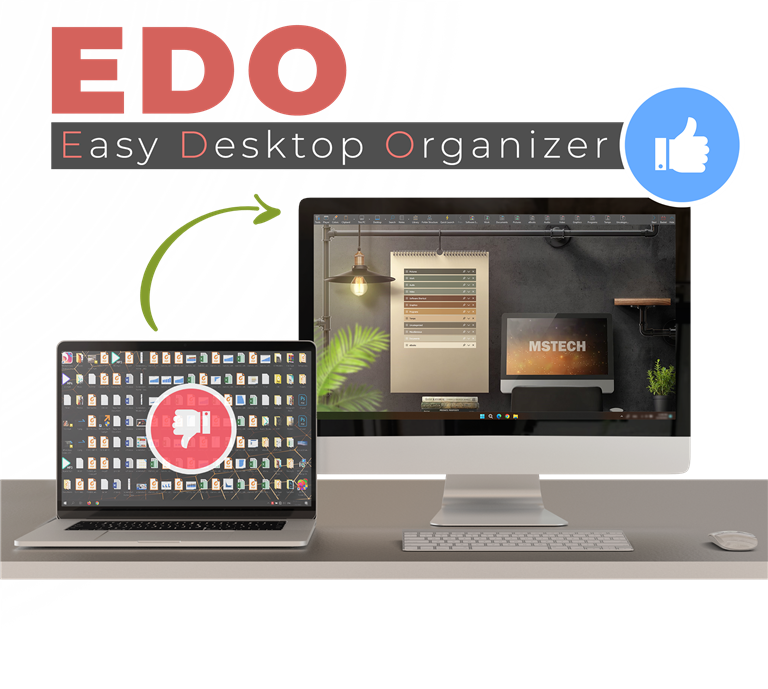
MG EDO is a computer organizer tool designed to facilitate easy access to your files, folders, and shortcuts, all while ensuring you maintain a clean and organized desktop.
Simply create EDO windows titled by the category names. Keep an unlimited number of files, folders, and shortcuts categorized by your style just by dragging and dropping them over the EDO windows.
With MG EDO, have quick access to any file and folder from any path on your hard drive through the EDO windows, on your desktop.
Have access to the beautiful desktop HD backgrounds and premium wallpapers on our website through the software.
MG Easy Desktop Organizer on First Place in Top Five Giveaway List 2020, 2021, 2022 & 2023
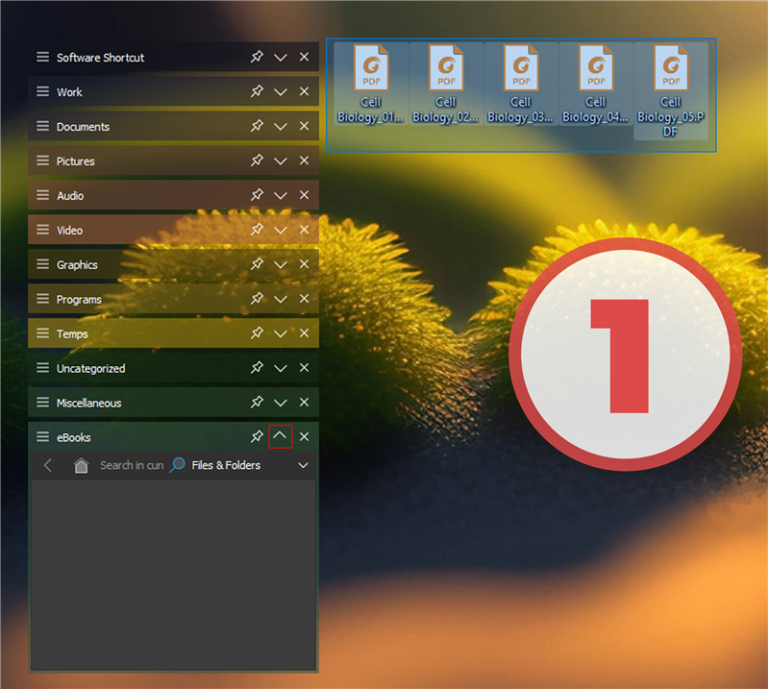
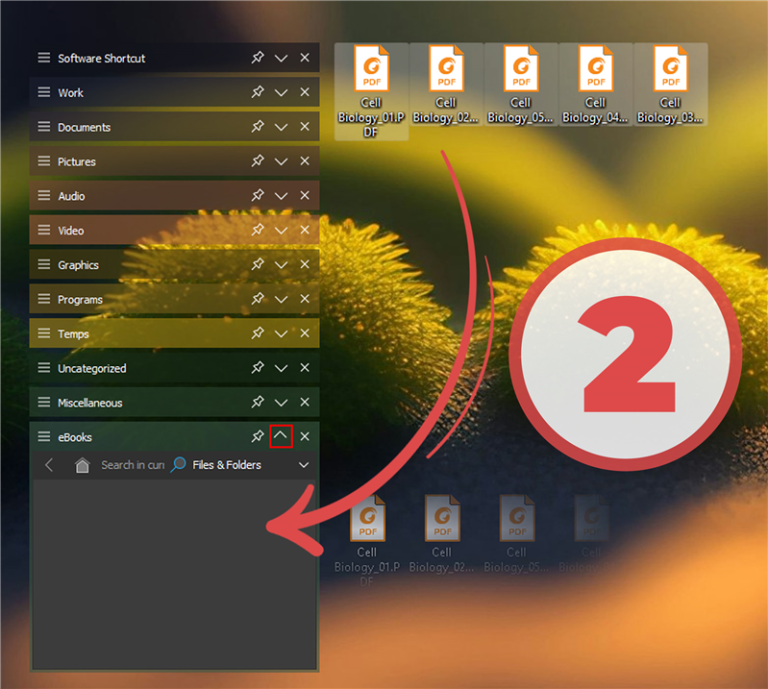
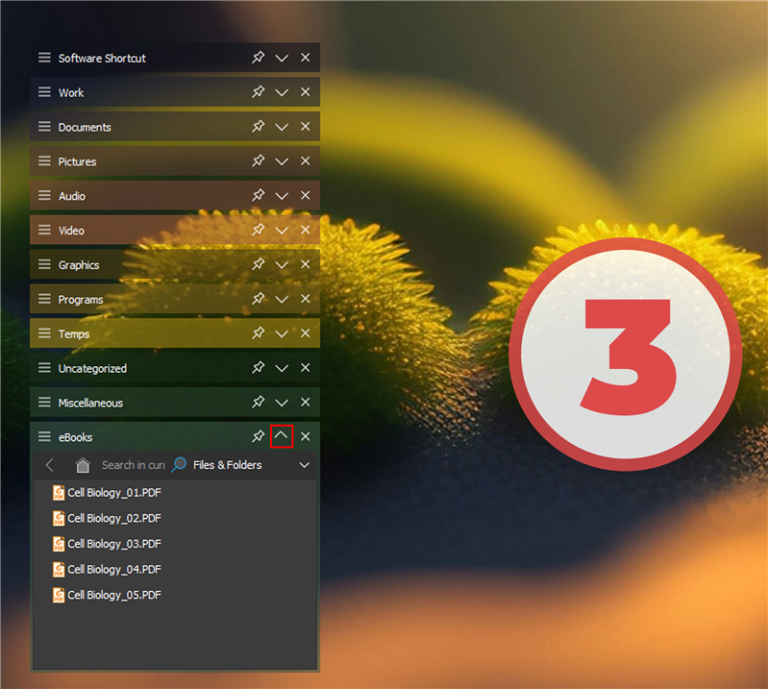
Keep your desktop clutter-free while ensuring your most important files are right where you need them.
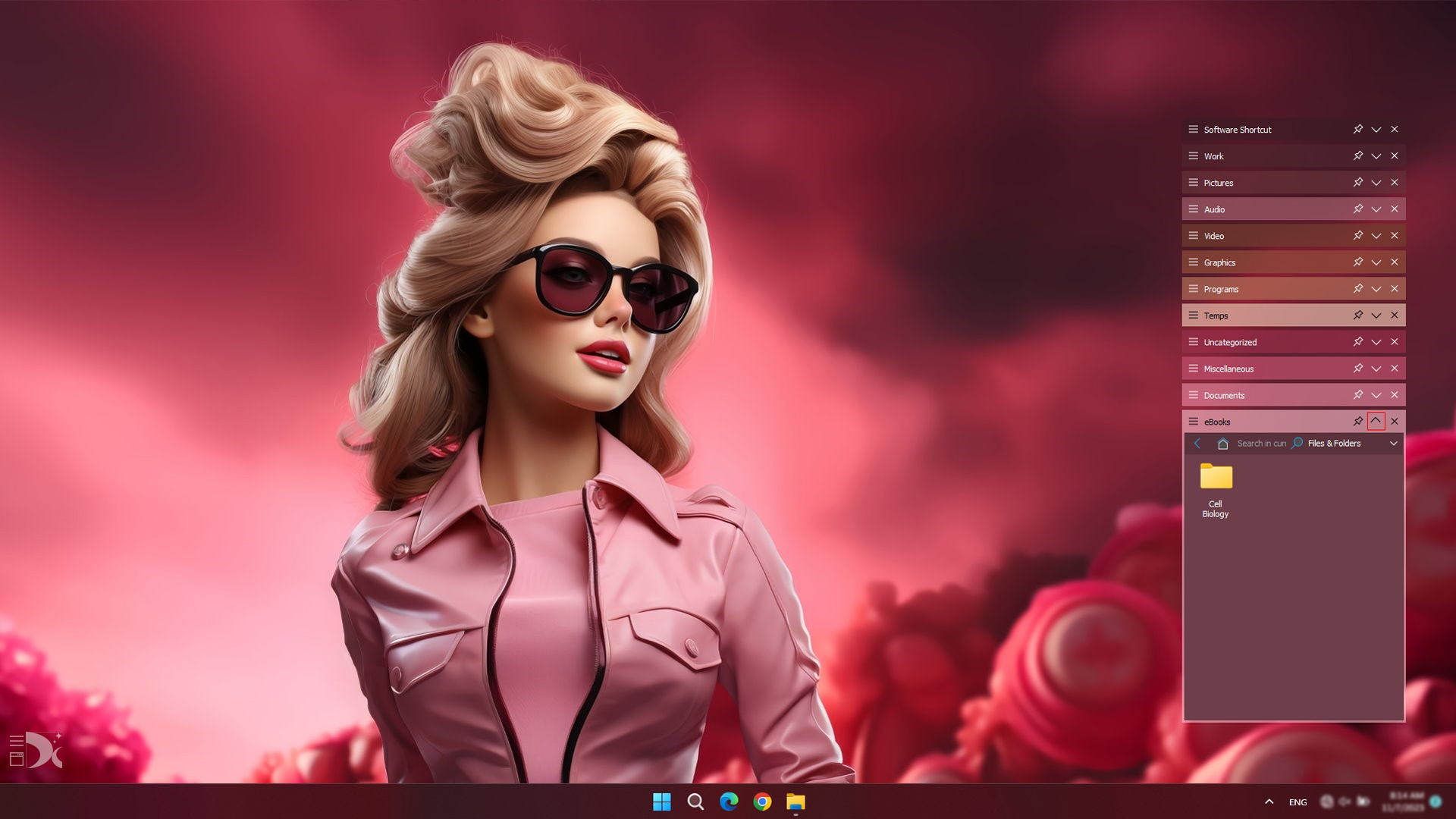
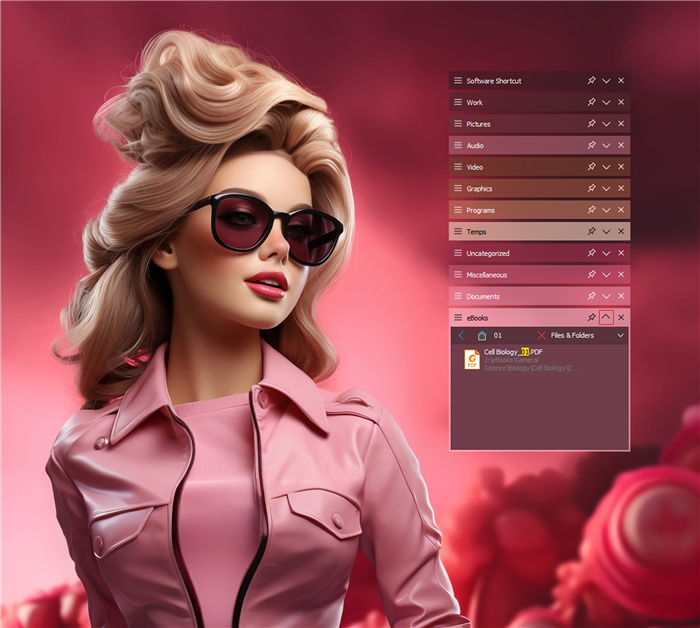
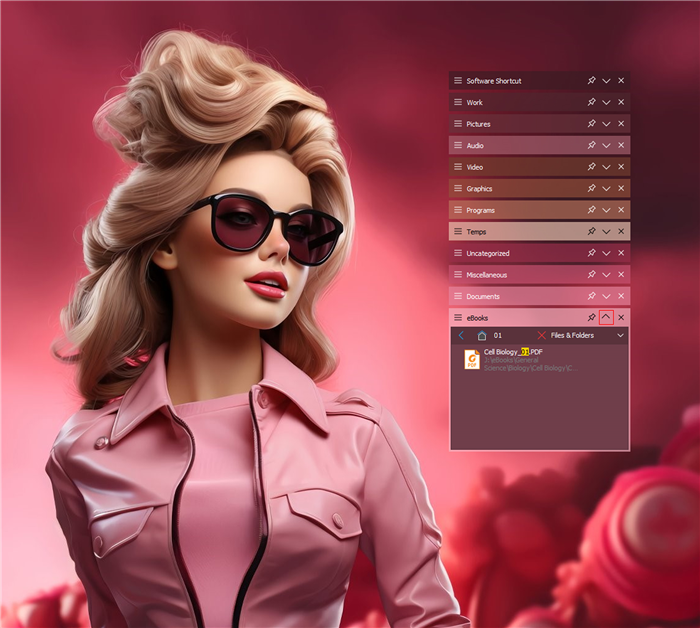
Swiftly Locate the Files or Folders You're After
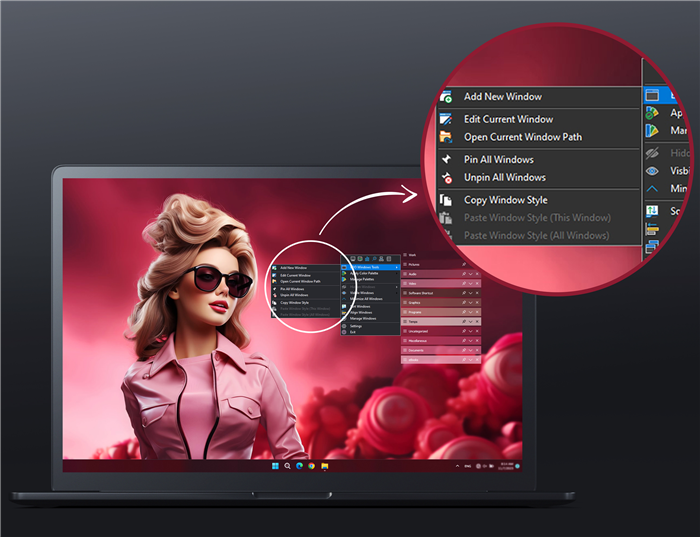
The desktop background tools grant you direct access to a selection of Windows background settings through the software settings window. You can also access exquisite HD desktop backgrounds and premium wallpapers on our website through the software. You can download and enjoy them for free, maintaining a fresh and beautiful desktop appearance.
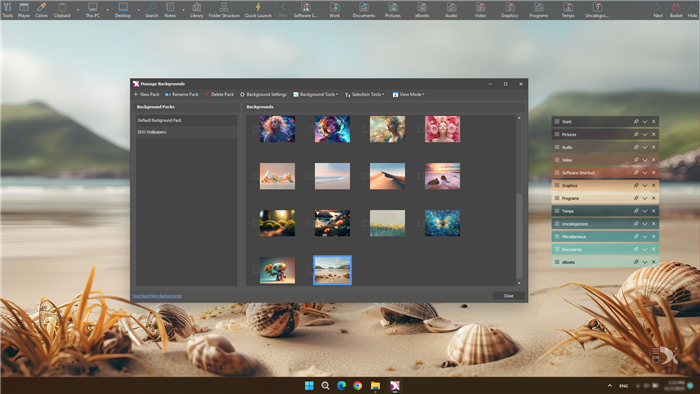
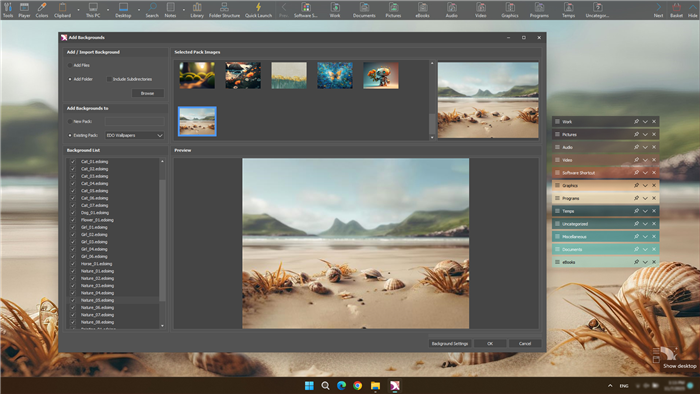
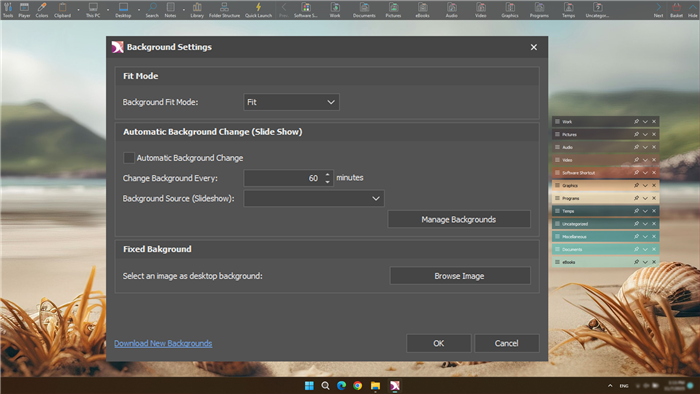
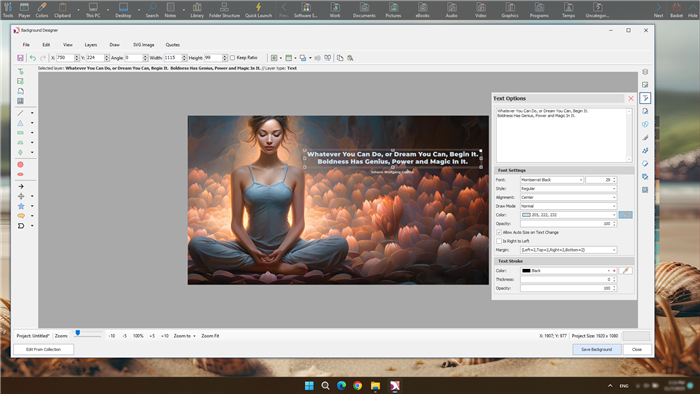
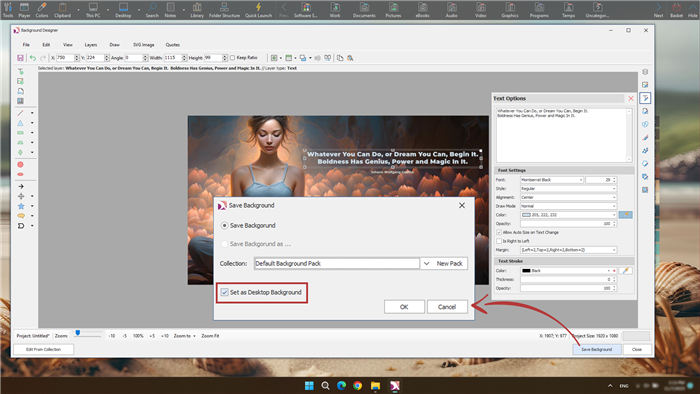
Effortlessly adjust any images to match your desktop resolution with the background designer tool. Design and customize your backgrounds to your liking.
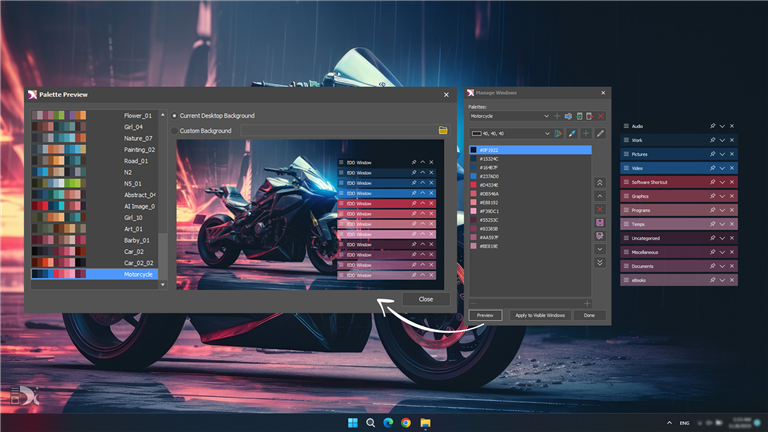
Apply any color to your EDO windows using the advanced EDO color picker, or use EDO Color Palettes to design your EDO windows.
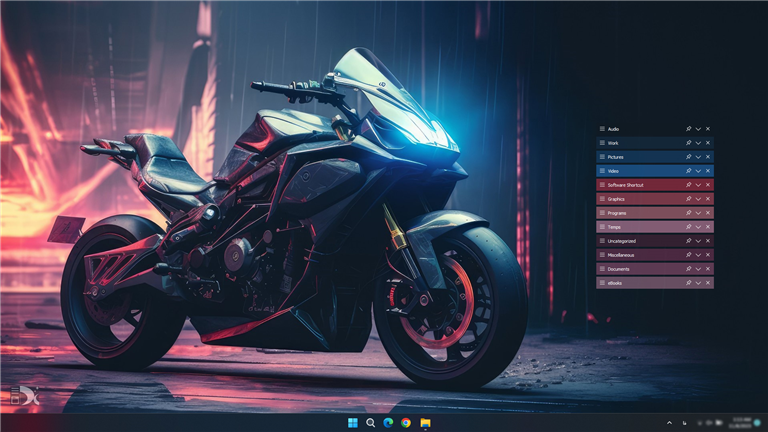
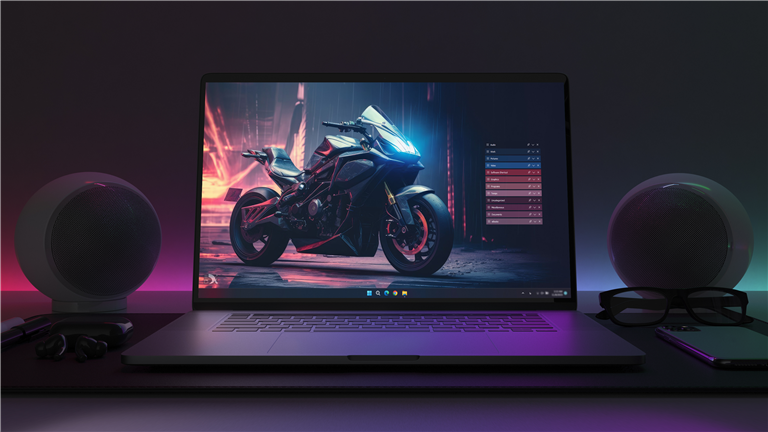
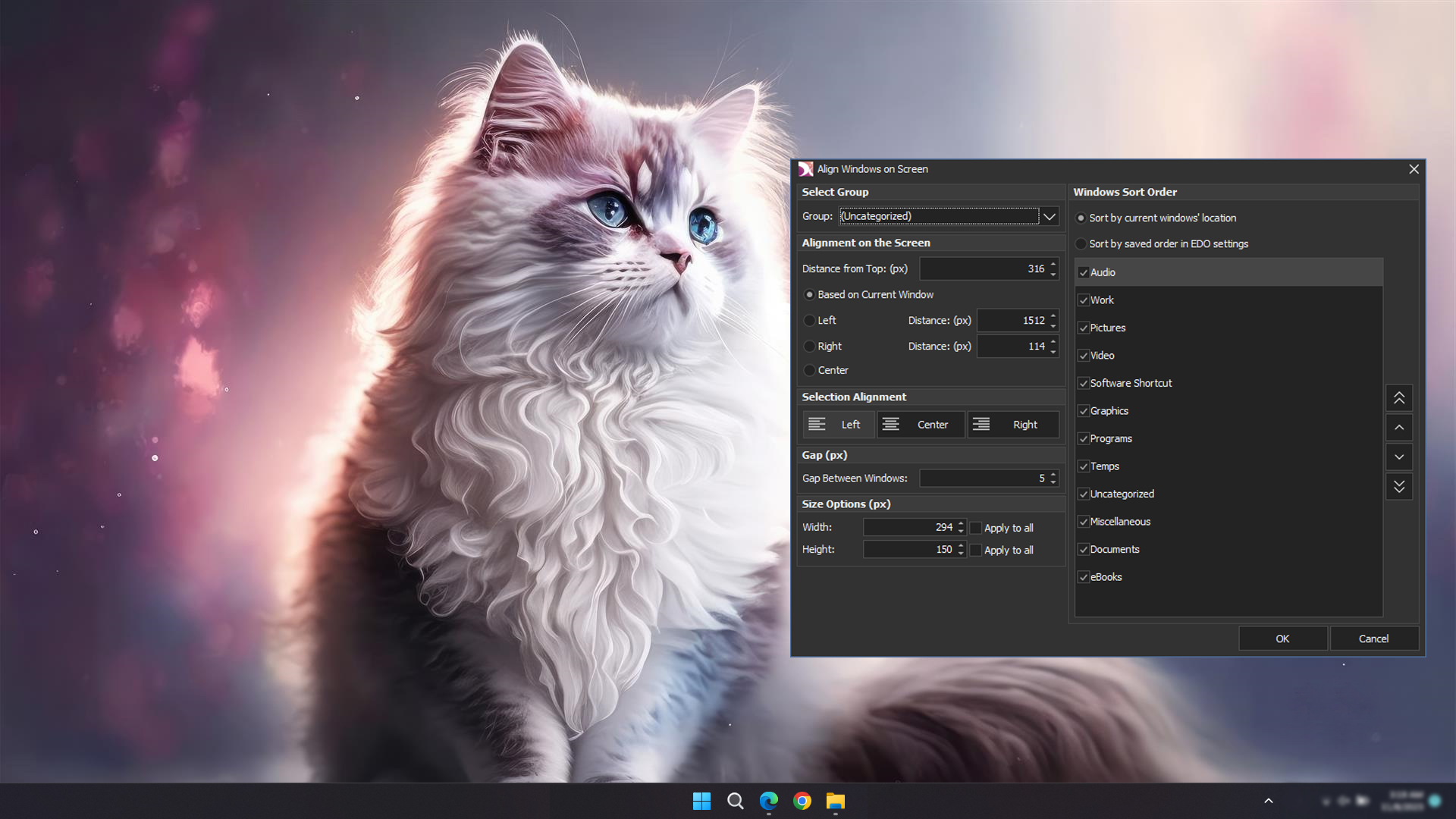
Relocate or resize the EDO Windows one by one or in groups by holding the Shift, Ctrl, or Alt keys.
You can also group your EDO windows for easier relocation.
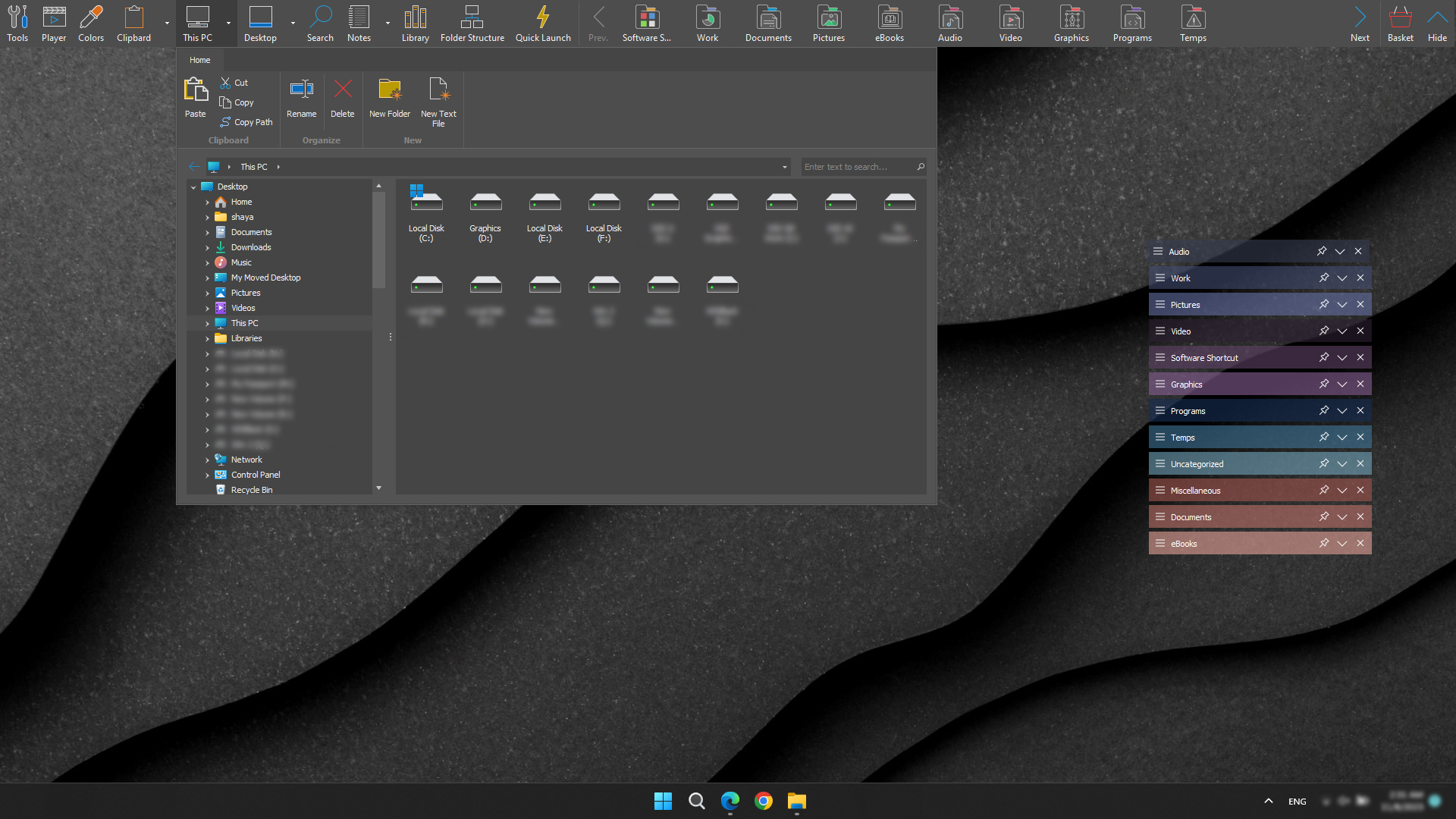
Effortlessly access all your files and folders on your computer and perform actions such as copying, pasting, or deleting them, just as you would in Windows Explorer.
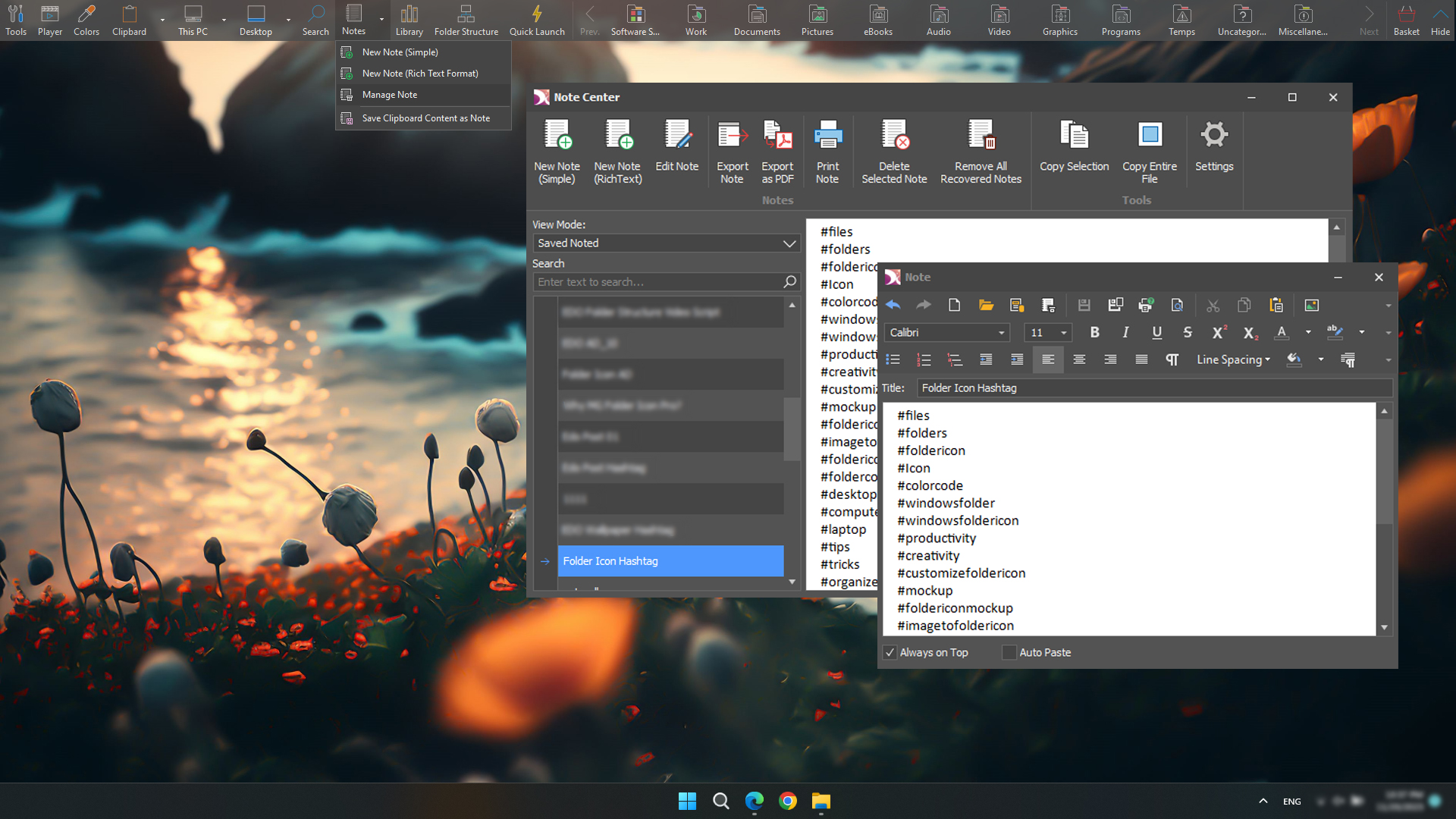
EDO Notebook is a comprehensive note-taking tool that allows you to jot down notes from anywhere on your computer, write and save your thoughts, and quickly access them from the EDO AppBar/SideBar.
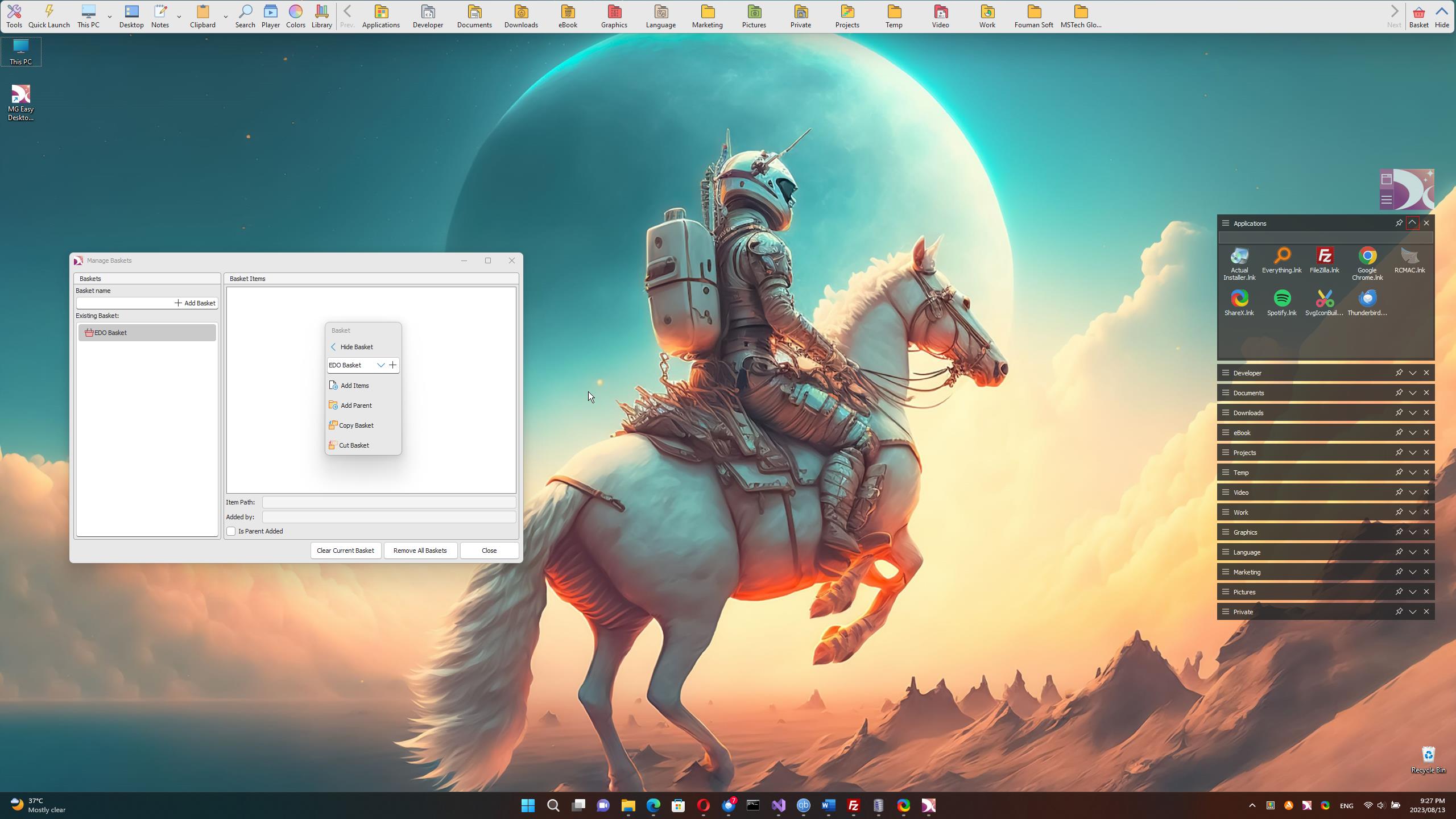
You can create as many collections of files and folders as necessary from the search results for easy transfer to your preferred location. This feature enables you to select files and folders from various locations on your PC, organize them into different EDO baskets, and quickly move or copy the files or folders from each basket to your desired destination.
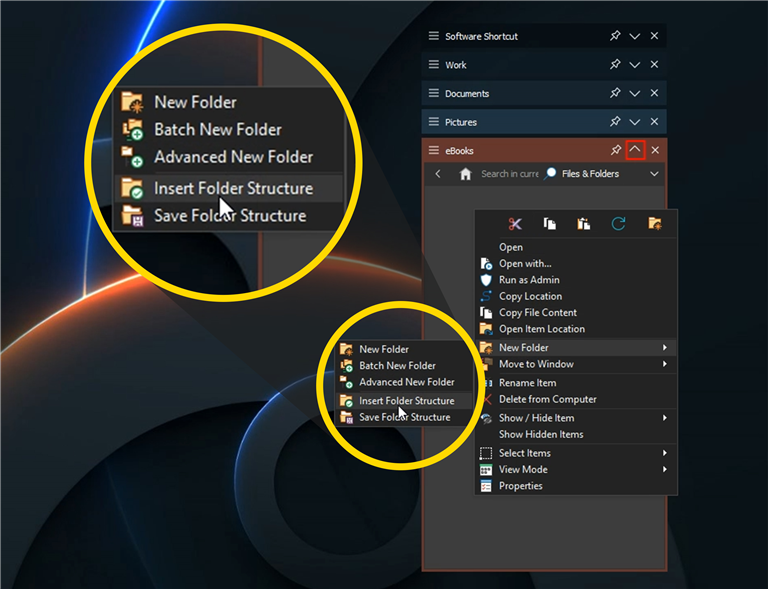
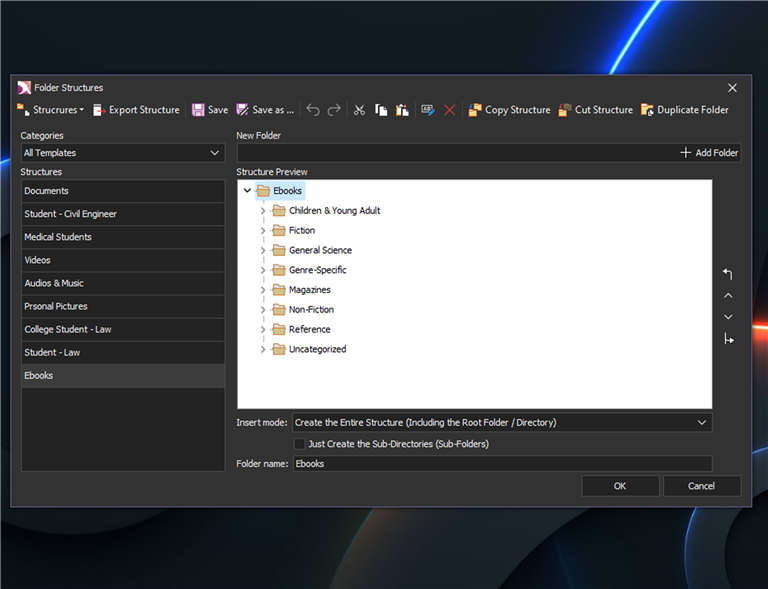
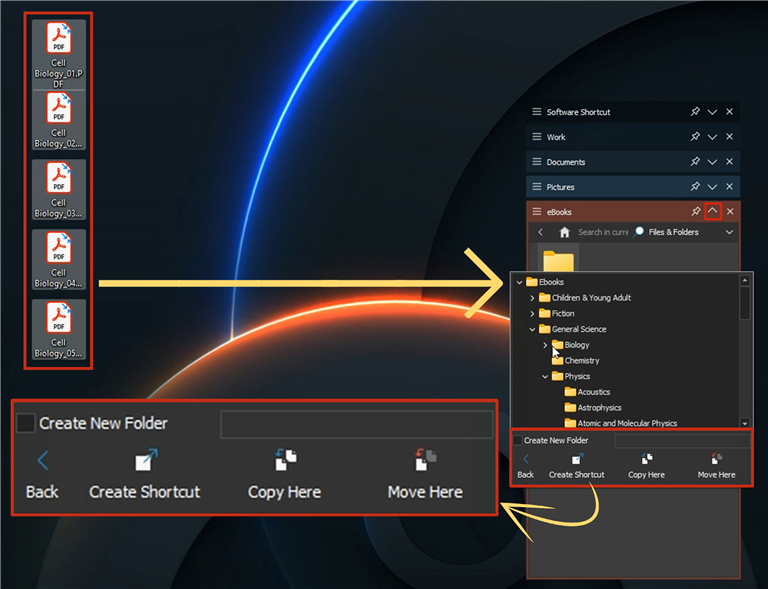
Effortlessly categorize your files and folders by utilizing MSTECH Predefined Folder Structures. Additionally, you can create folder structures that suit your needs and preferences and use them for categorizing your files and folders.
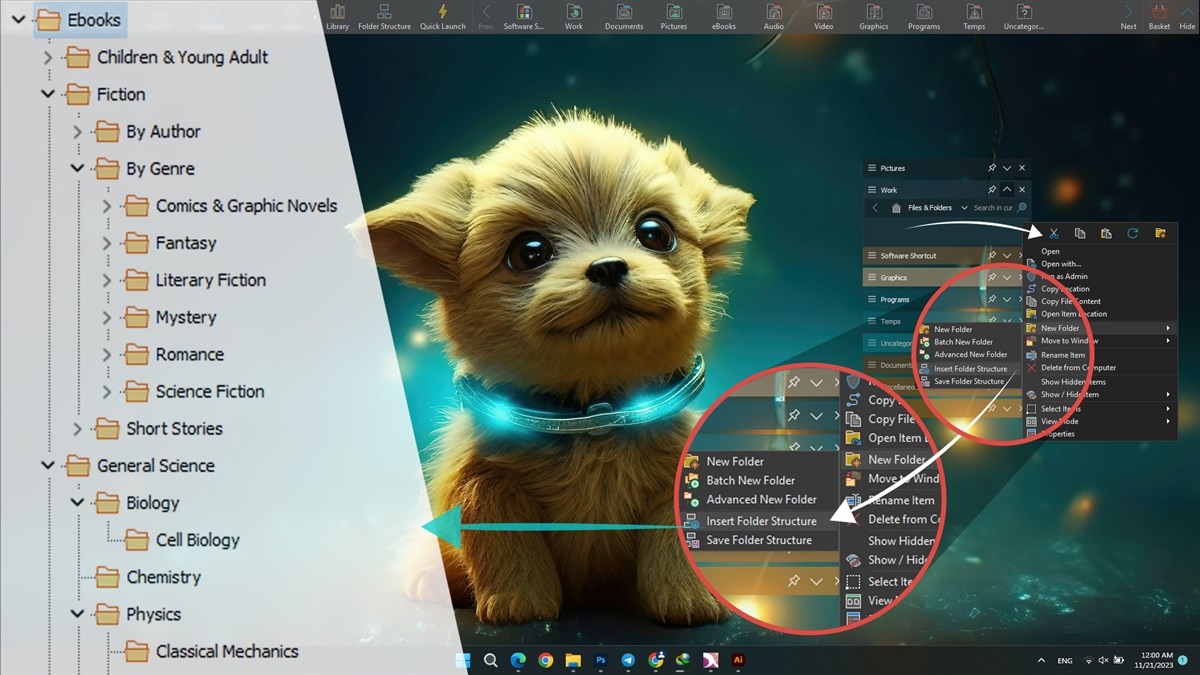
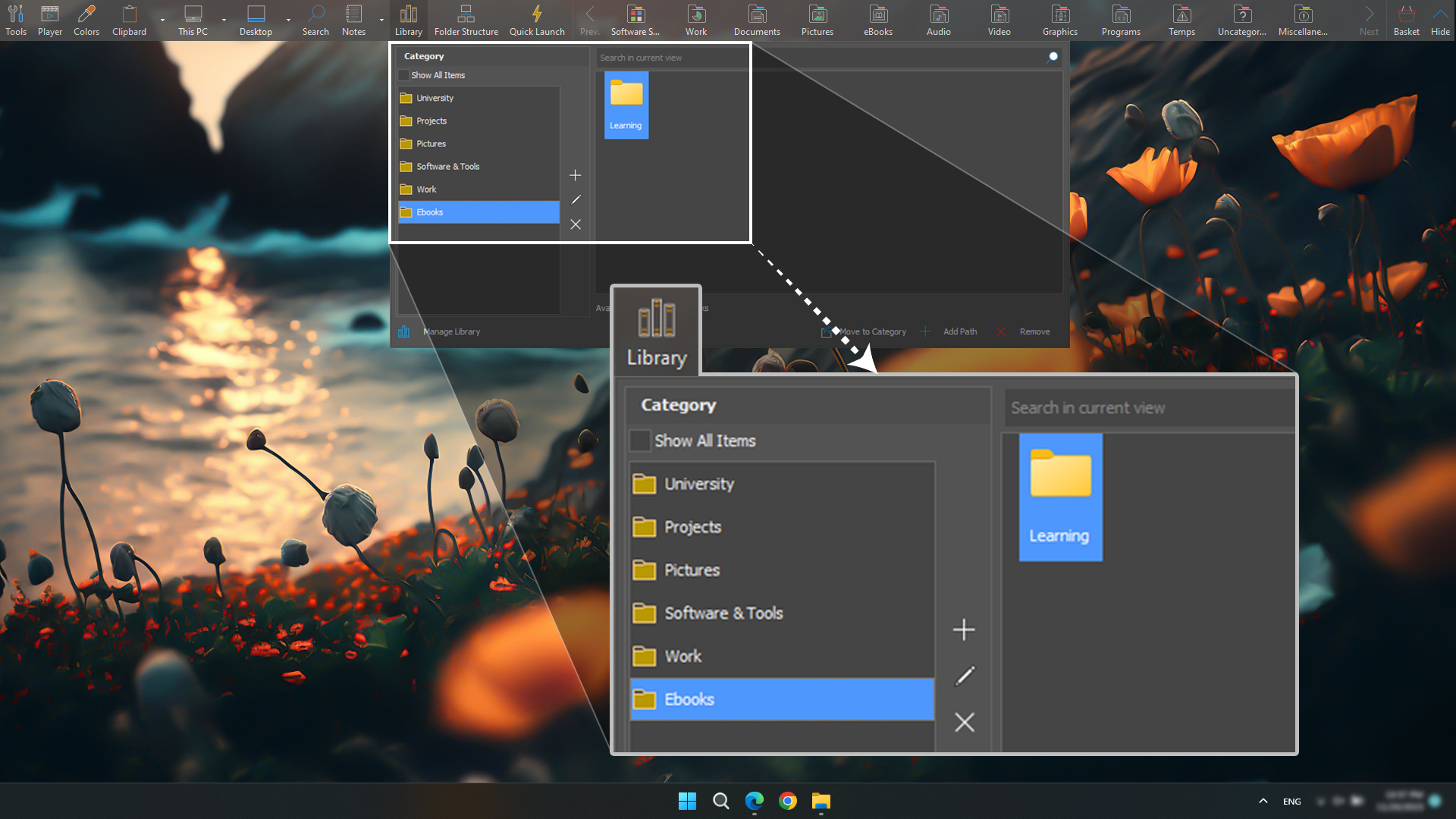
You can add your favorite paths (any folder) to the EDO library, categorize them into different subjects, and have quick access to your categorized library of folders (paths).
The EDO Button is an extension of EDO that provides convenient access to your categorized data whenever and wherever you need it on your computer.
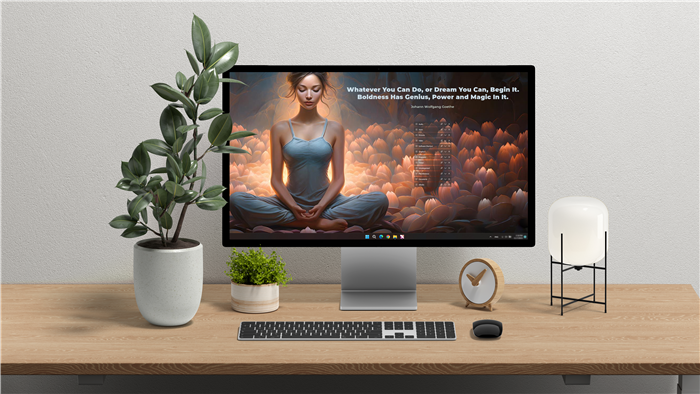
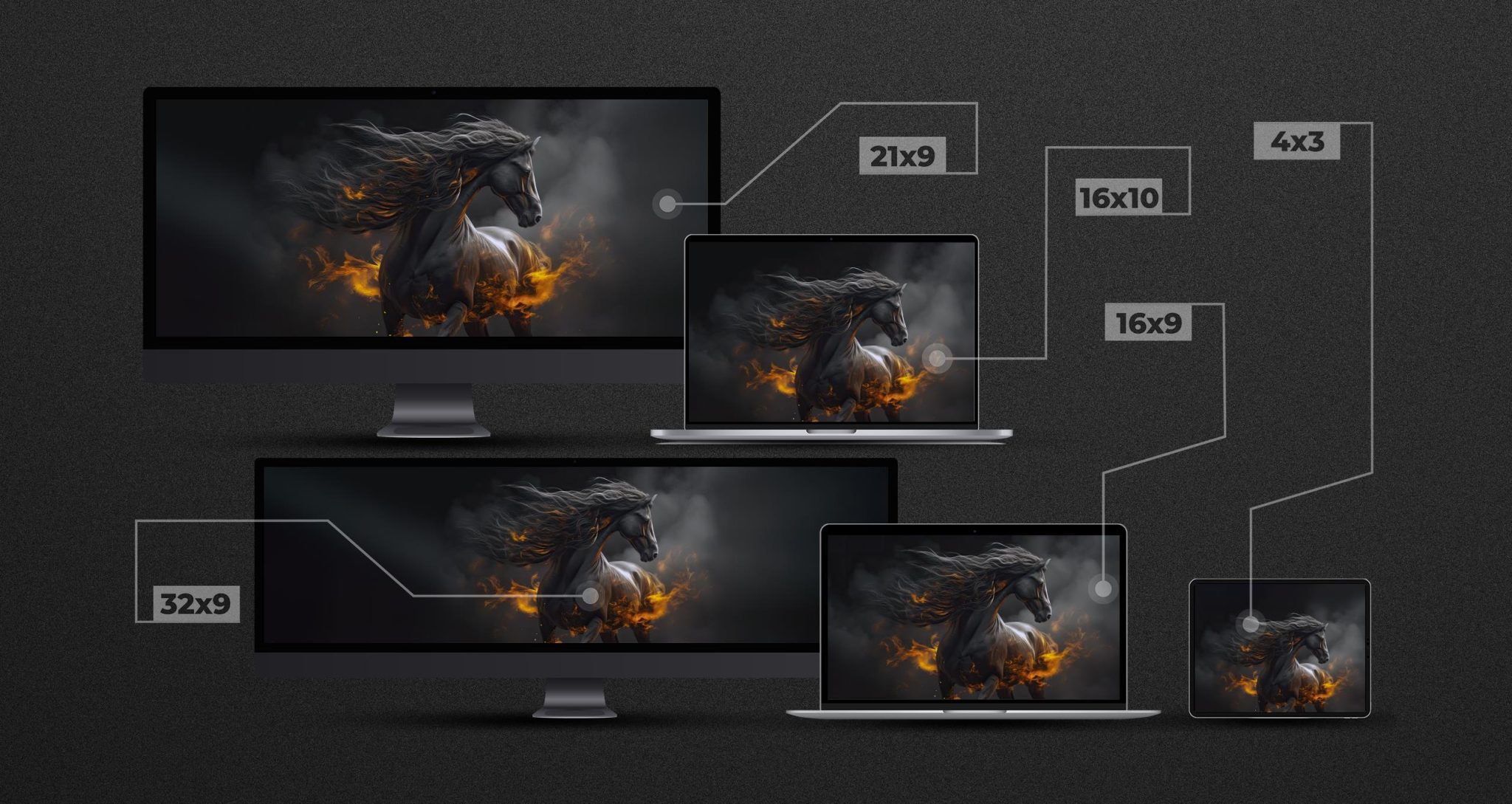
With Premium Backgrounds, EDO will automatically adjust the images to match your screen’s resolution ratio, providing the best quality. Regardless of how many screens with varying ratios are connected to your computer, EDO will ensure the background matches all of them.
Additionally, you can play your preferred music in the background without the need for any additional applications to be running.

Easily monitor, collect, and save your clipboard content, including images and text.
With this tool, you will never lose your clipboard contents.


Easily save your passwords and access your login credentials with a simple hotkey.

A new tool in EDO like AppBar with more features and easier access:

Why Easy Desktop Organizer is the Best?
The selected item added to your cart successfully.
The selected item is in progress and will be added to our store soon.
✓ Unlimited EDO Windows
✓ Hide Desktop Icon
⤬ Show / Hide System Icons
⤬ Background Designer
✓ Change Desktop Background
✓ Batch Alignment
✓ Batch Resize
✓ Batch Settings Change
✓ Automatic Directory Monitor
✓ Sort In EDO Window
⤬ Manage Hidden Items
✓ MS Windows Cut & Copy
✓ Advanced Item Drop Actions
✓ Search in EDO Window
✓ AppBar
✓ Manually Backup
✓ EDO Button
✓ EDO Quick Categorize
⤬ Auto Backup
⤬ SideBar
⤬ EDO Computer Explorer
⤬ Vault
⤬ My Tasks
⤬ Notes
⤬ Clipboard
⤬ Search (Global Search in EDO)
⤬ Audio Player
⤬ Color Picker
⤬ Screen Capture
⤬ Basket
⤬ Countdown / Timer
The selected item added to your cart successfully.
The selected item is in progress and will be added to our store soon.
✓ Unlimited EDO Windows
✓ Hide Desktop Icon
✓ Show / Hide System Icons
✓ Background Designer
✓ Change Desktop Background
✓ Batch Alignment
✓ Batch Resize
✓ Batch Settings Change
✓ Automatic Directory Monitor
✓ Sort in EDO Window
✓ Manage Hidden Items
✓ MS Windows Cut & Copy
✓ Advanced Item Drop Actions
✓ Search in EDO Window
✓ AppBar
✓ Manually Backup
✓ EDO Button
✓ EDO Quick Categorize
✓ Auto Backup
⤬ SideBar
✓ EDO Computer Explorer
⤬ Vault
⤬ My Tasks
✓ Notes
✓ Clipboard
✓ Search (Global Search in EDO)
✓ Audio Player
✓ Color Picker
⤬ Screen Capture
✓ Basket
⤬ Countdown / Timer
The selected item added to your cart successfully.
The selected item is in progress and will be added to our store soon.
✓ Unlimited EDO Windows
✓ Hide Desktop Icon
✓ Show / Hide System Icons
✓ Background Designer
✓ Change Desktop Background
✓ Batch Alignment
✓ Batch Resize
✓ Batch Settings Change
✓ Automatic Directory Monitor
✓ Sort in EDO Window
✓ Manage Hidden Items
✓ MS Windows Cut & Copy
✓ Advanced Item Drop Actions
✓ Search in EDO Window
✓ AppBar
✓ Manually Backup
✓ EDO Button
✓ EDO Quick Categorize
✓ Auto Backup
✓ SideBar
✓ EDO Computer Explorer
✓ Vault
✓ My Tasks
✓ Notes
✓ Clipboard
✓ Search (Global Search in EDO)
✓ Audio Player
✓ Color Picker
✓ Screen Capture
✓ Basket
✓ Countdown / Timer
Read more about the changes for each EDO Edition (Basic, Pro, Pro Plus)
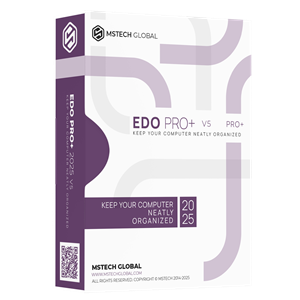
MSTech easy desktop organizer is a handy Windows application that helps you to keep your desktop clean and organized, download Free images, adjust them easily as your desktop background.